The paper catalogue gets passed around and lost. Your JamboQR store is always on your customers' phones, and your home does not appear on the map.
Lorena sells from a catalogue in Buenos Aires: creams, perfume, food containers, towels. She takes orders until Friday and delivers the following week. She used to send loose photos on WhatsApp, and customers asked the price of everything, again and again.
Now she has her personal store on JamboQR: every product with its photo, its price and the date it is valid until. And because she sells from home, the store says Buenos Aires and nothing more.

1 Your store already exists
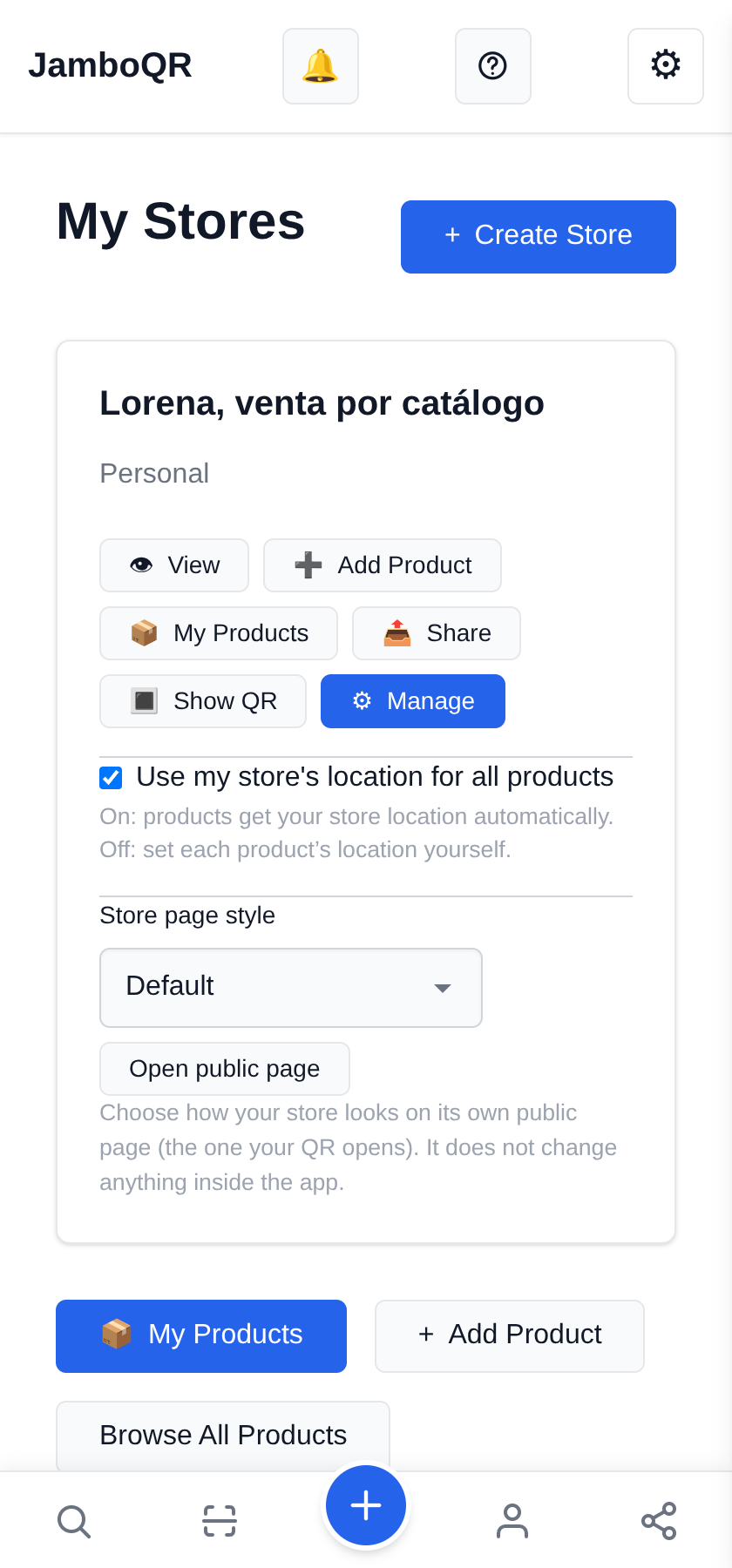
When you sign up, JamboQR creates your personal store: it is under My Stores. You do not need another one to sell from a catalogue.
Use my store's location for all products stays on: everything ships from your home.
2 Your address is not shown
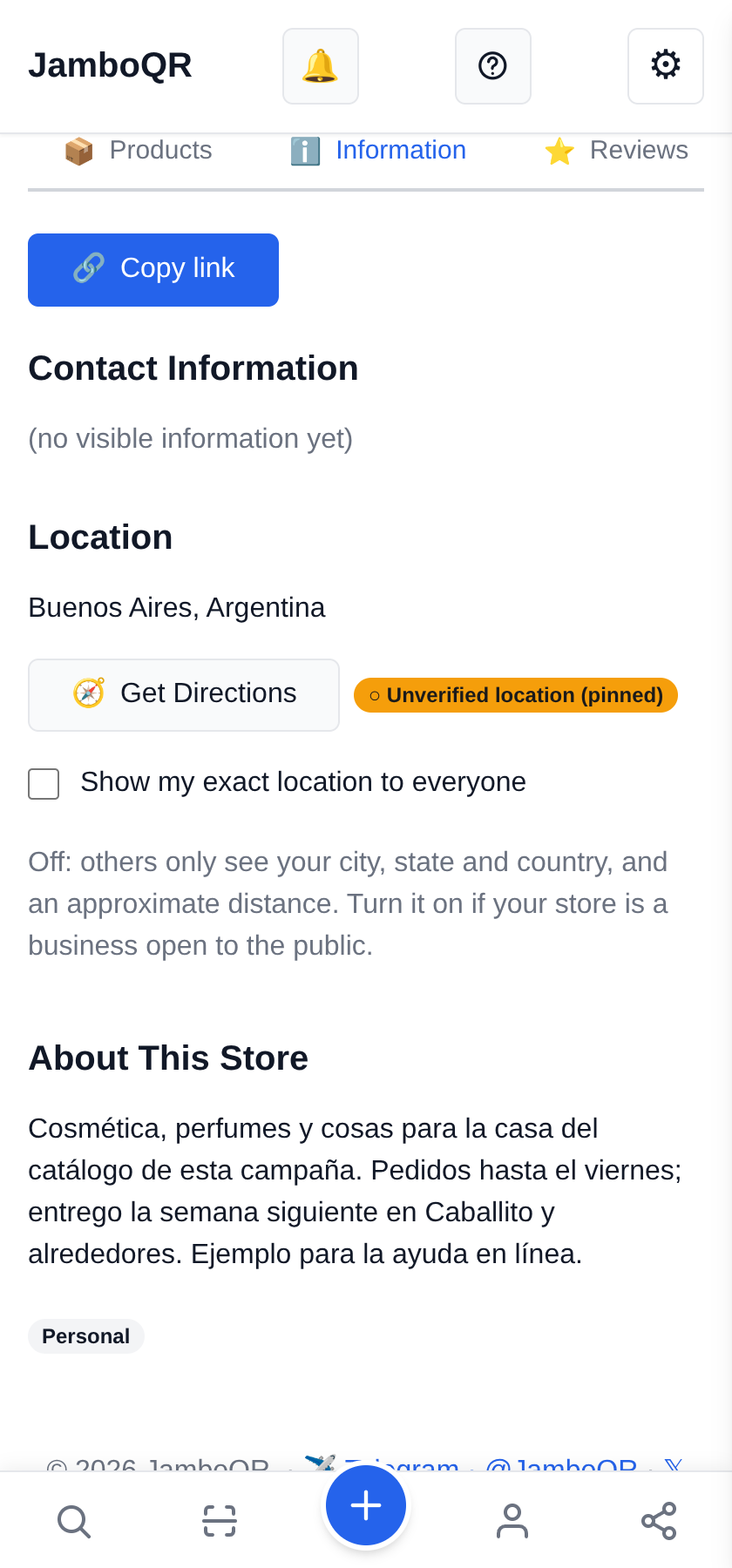
In your store's Information tab, leave Show my exact location to everyone OFF. Customers then see only your city and an approximate distance, never your street or a pin on your door.
That is what suits someone selling from home; a shop open to the public switches it on.
3 A product from the catalogue
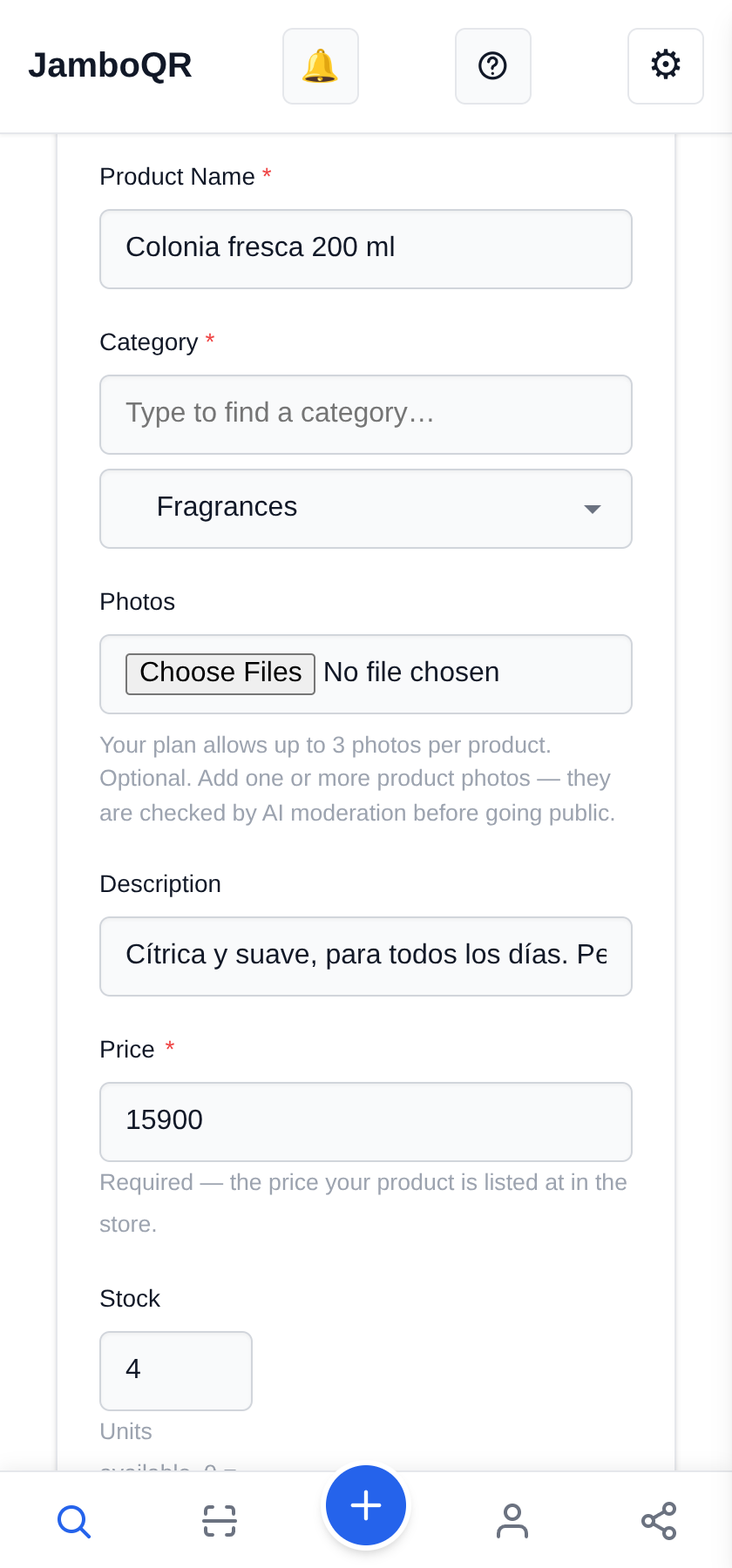
From Add product: the name, the category (Fragrances, Makeup, Skincare, Kitchen…), a photo, the description and the price in pesos.
Under Stock, put what you have to hand; if you only sell to order, put what you can order that week.
4 Make it last as long as the campaign
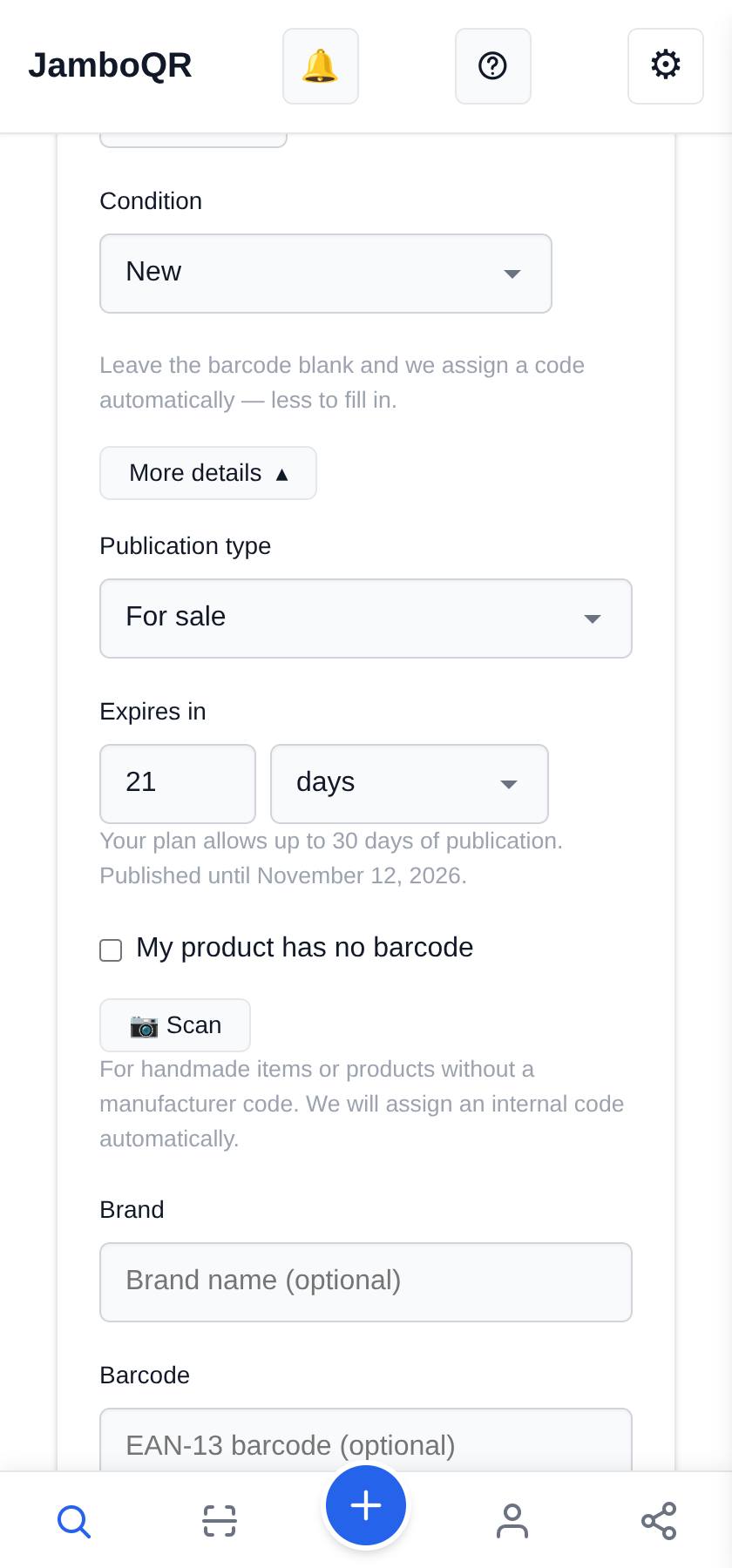
Under Expires in, enter the campaign's days (here, 21). The app tells you the date it stays up until, and that day the price disappears on its own: nobody asks for last campaign's price.
If it still holds, renew it with Edit expiry.
5 The whole catalogue, with photos and prices
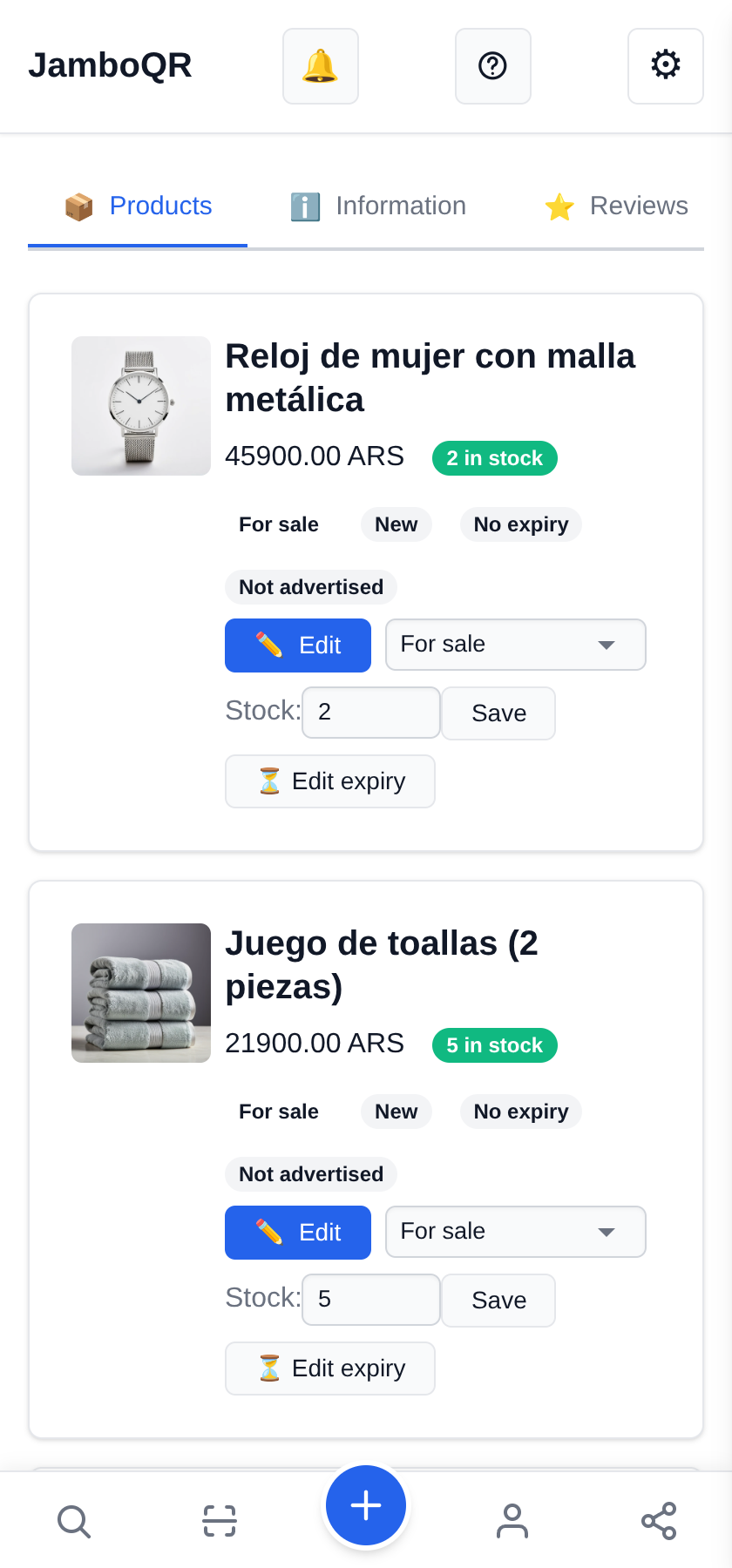
Under Products you see what is published, with its stock. Changing a price or the stock is a matter of tapping the number and Save.

6 One product for each customer
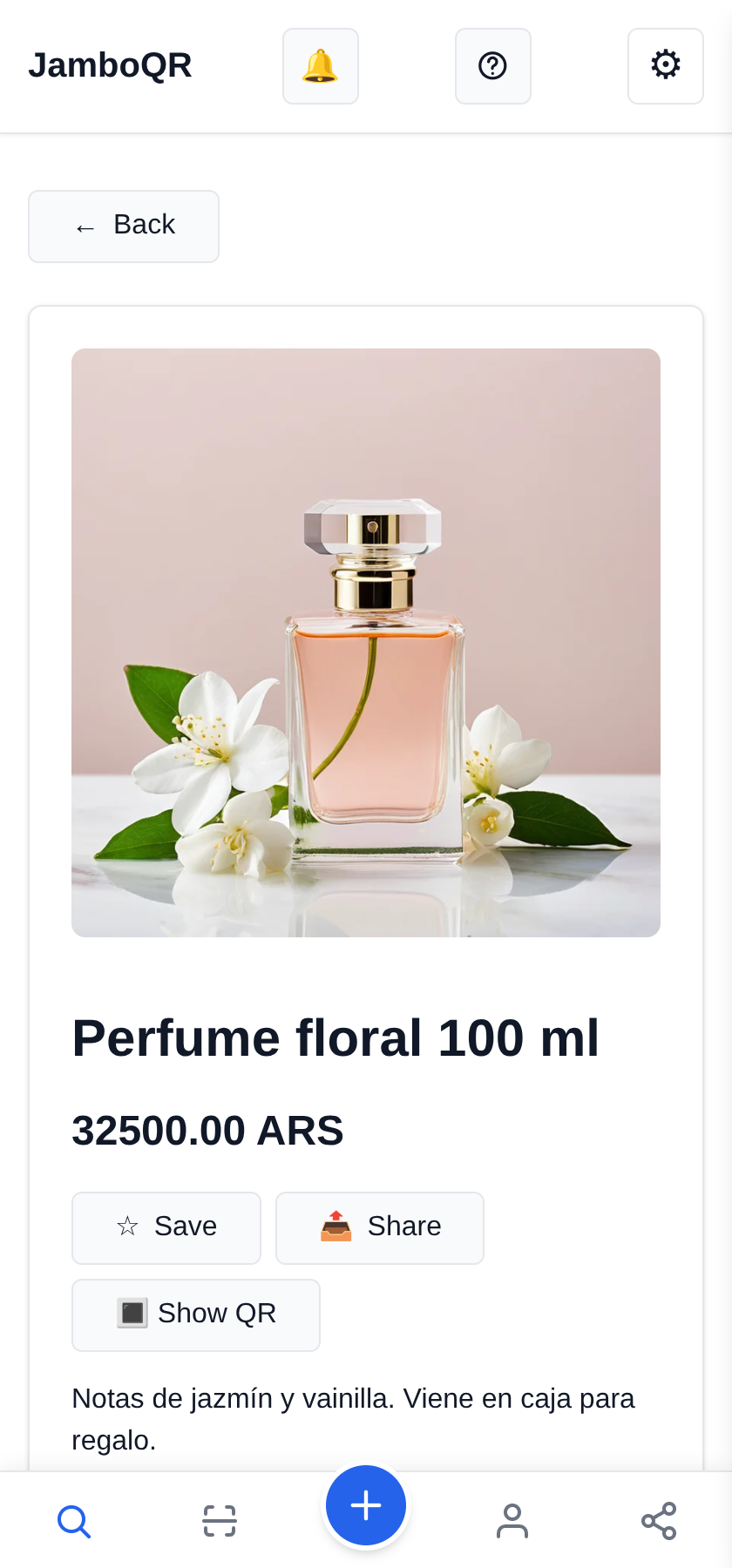
Every product has its own page. With Share you send it on WhatsApp to the customer who asked about a perfume: she sees the photo, the price and the description, without downloading anything.
7 Your QR code on the catalogue and the bag
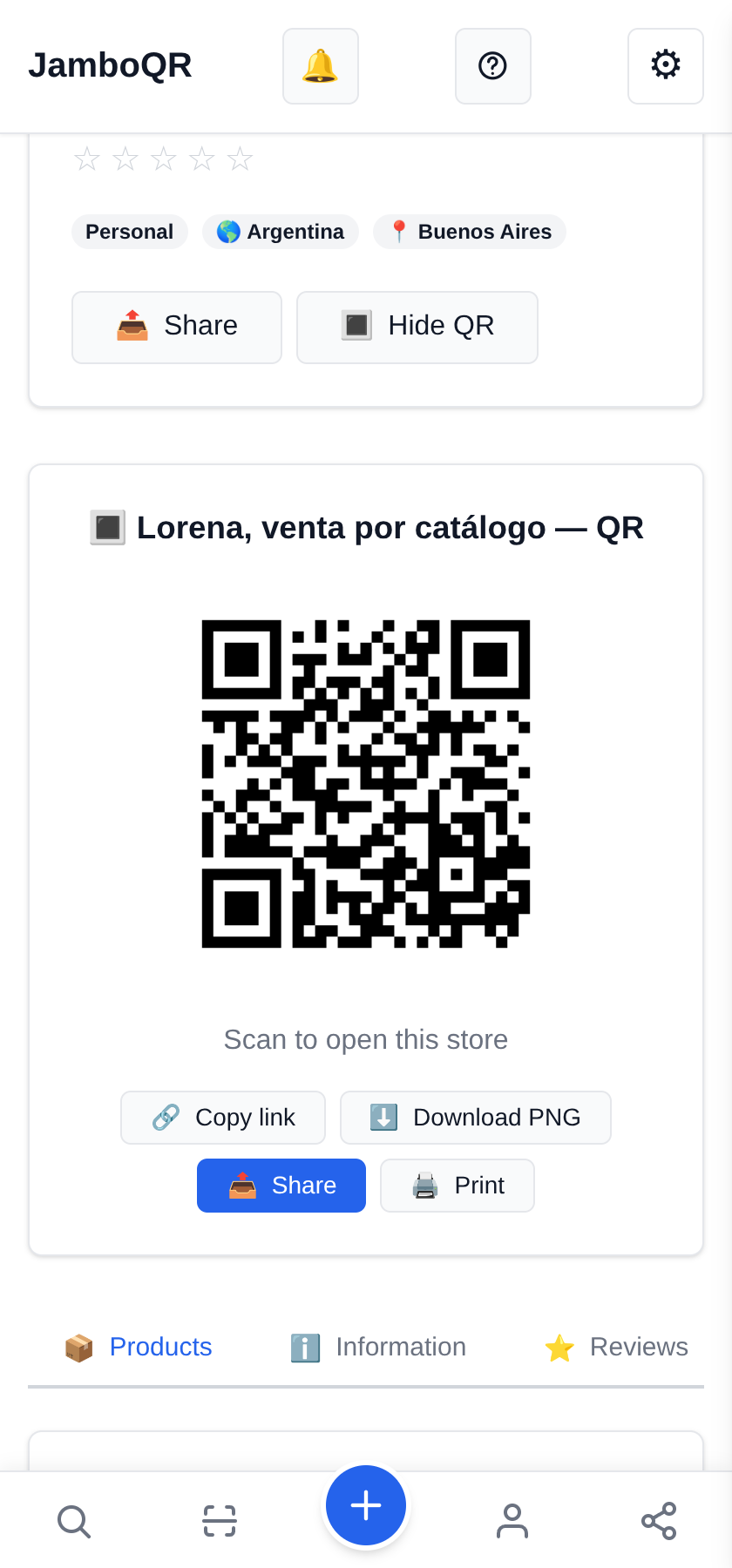
The store's QR code (Show QR) prints on a label: stick it on the paper catalogue, on the order bags or on your card. Whoever scans it sees everything you sell today.
8 What your customer sees
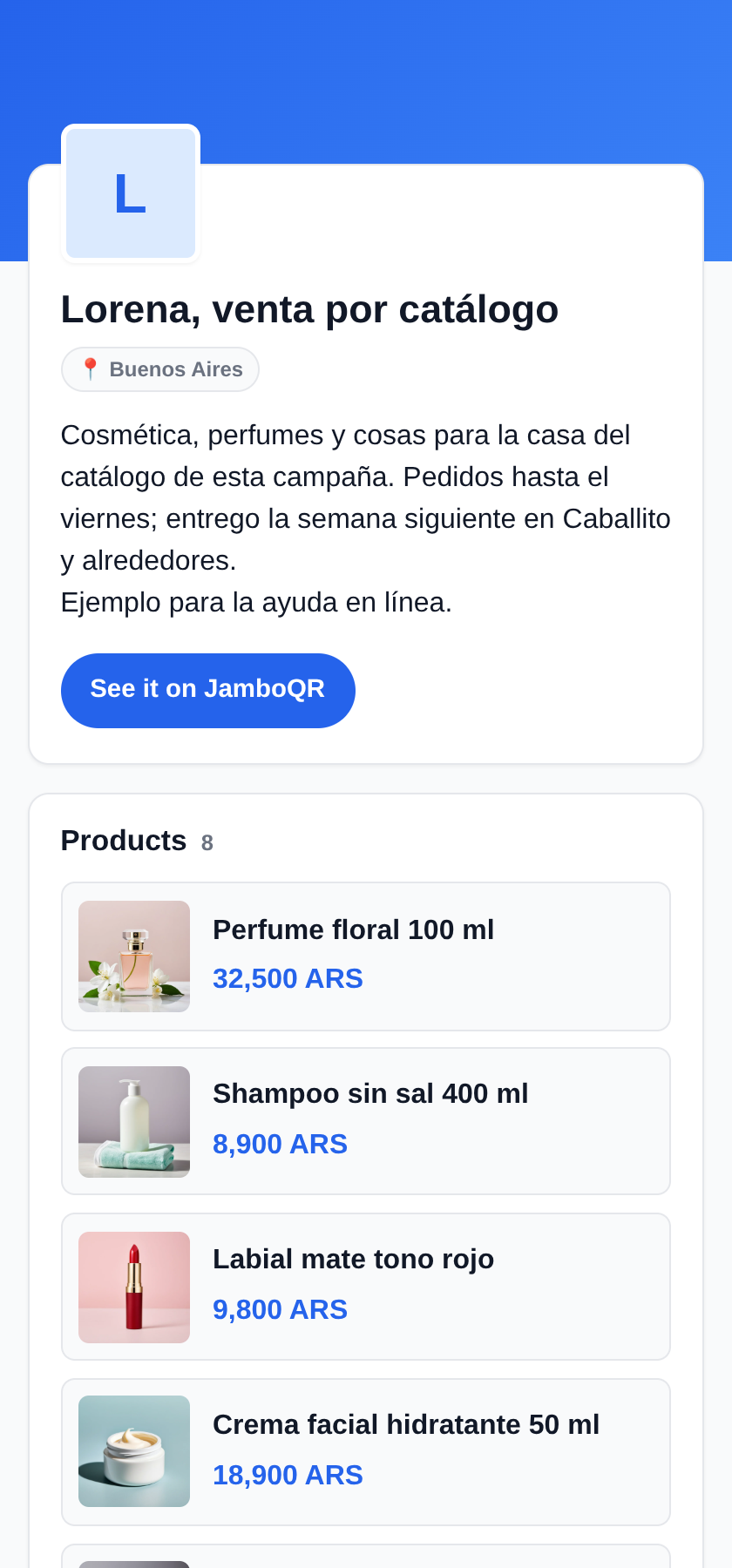
Your whole store, with photos and prices, and only the name of your city. The products in this example store say «Ejemplo para la ayuda en línea» ("example for the online help"): they are not for sale.
Tap the screenshot to open it.
Why it works for catalogue sellers
- Your home is not on the map: the personal store shows only the city until you switch on the exact location.
- Each campaign with its expiry date: old prices go away on their own.
- One link per product for each enquiry, and a QR code for everything else.
- The free plan holds 50 products with 3 photos each, and every listing lasts up to 30 days.
- Use your own photos, or the catalogue's if the brand allows it. Everything goes through the same automatic review.
✈️ Telegram · @JamboQR · 𝕏 @jamboqrmx · Facebook · JamboQR · Instagram · @jamboqr