Short guides, with real screenshots, for putting what you sell behind a QR code. Pick the one that looks like your case.
Each guide is the whole path, step by step, until you have your page and your printed code. No card needed, and no computer knowledge either.
If this is your first time, start with the first one: the others assume you already have an account.
- Sign up: your account and your store in five minutes
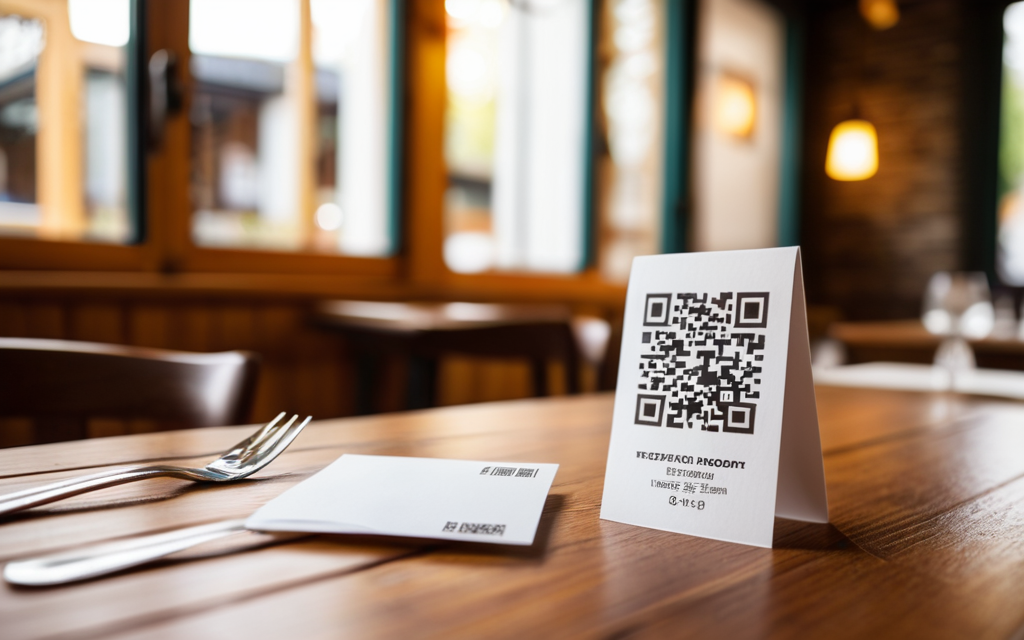
Start here: the account, the code that lands in your inbox, and the store that creates itself. - Put your restaurant menu on a QR code, free
Ten minutes from now you can have a code taped to the table. Guests scan it and see your current menu — nothing to install. - My mobile store: one stall, a different spot every day
For the street market, the farmers market or the fair: the days you are out, where you are standing today, and one QR that works at all of them. - Selling home baking: cakes, cookies and alfajores
For anything handmade: products with no barcode, with a photo, priced by the piece or by the dozen, made to order. - Put your links on your public profile
One link that leads to everything of yours: your channel, your site, your store and your QR. - Buen Fin with JamboQR: hunt real deals as a group
A club for the big sales weekend: everyone posts the deal they saw, with the store it is in, and the others say whether it is still on. - Start a deals club with your neighbours
The corner shop's offer, the cheapest chicken at the market: a neighbourhood group where every deal says where it is. - Deals near you: the map, and how your location is protected
What people found a few blocks away, on a map. And why nobody's home ever shows up on it. - One store, several people: the family business where two can post
For two sisters' stall, a pair of partners' shop or the family store: everyone puts today's goods into the same store. - JamboQR: scan, share and show what you do with a QR code
What JamboQR is and what you can do with it, in two minutes.
✈️ Telegram · @JamboQR · 𝕏 @jamboqrmx · Facebook · JamboQR · Instagram · @jamboqr