Like a Facebook deals group, except every post carries its place, shows up on a map, and whoever walks past says whether it is still on.
Every neighbourhood has someone who knows where the eggs are cheapest this week. A deals club brings those people together: each neighbour posts what they see, with the store it is in, and the others find it on the map.
What sets it apart from a chat is that every deal has a place and that whoever passes by can say whether it is still on. A stale deal does not fool anyone twice. The club in the screenshots is Ofertas del Barrio, in Mérida.

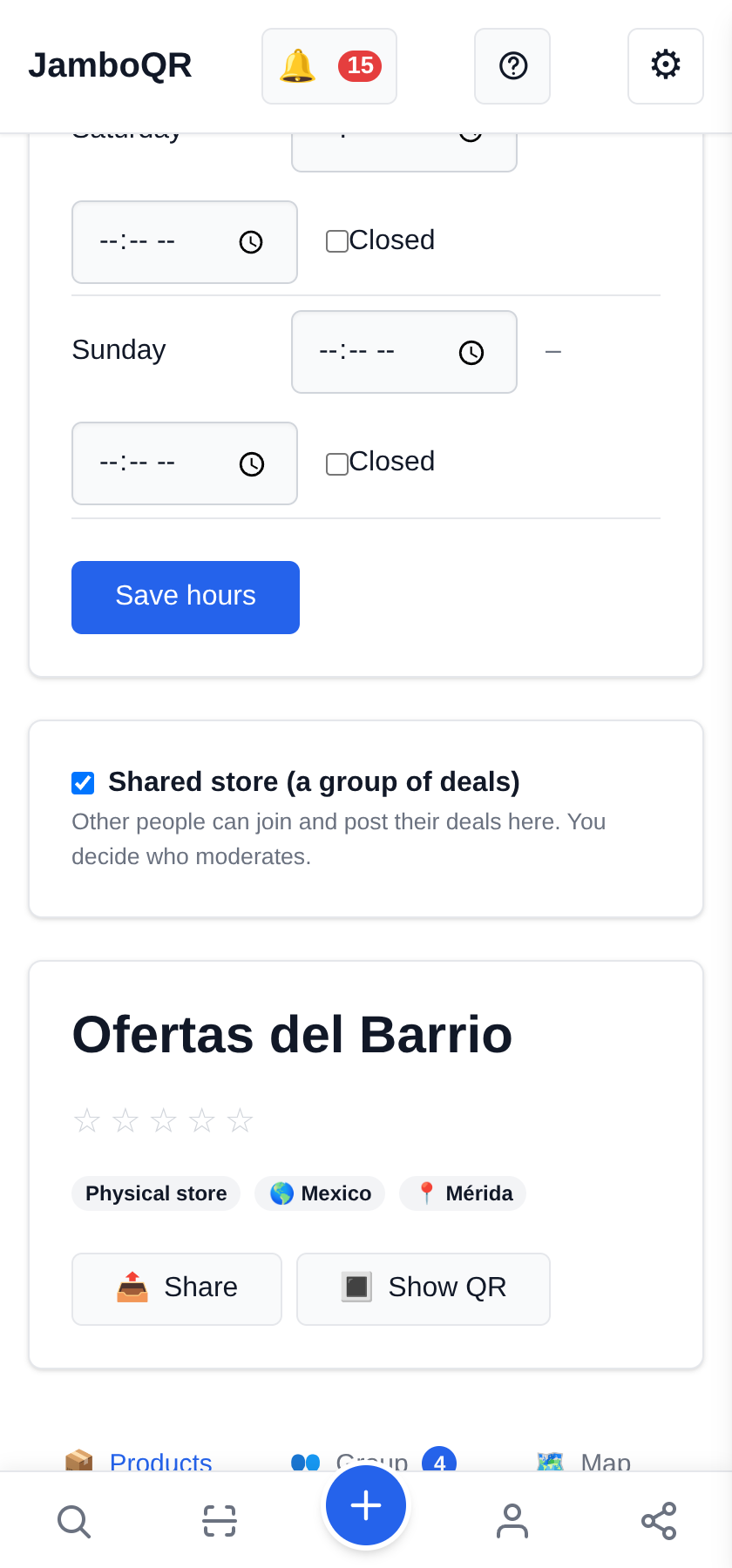
1 A new store, shared
Under My Stores, Create Store with the club's name. Your personal store will not do: that one is yours alone. The free plan already includes one more store.
Then, in Manage, switch on Shared store (a group of deals). From that moment other people can join and post, and you decide who moderates.
2 One place per deal
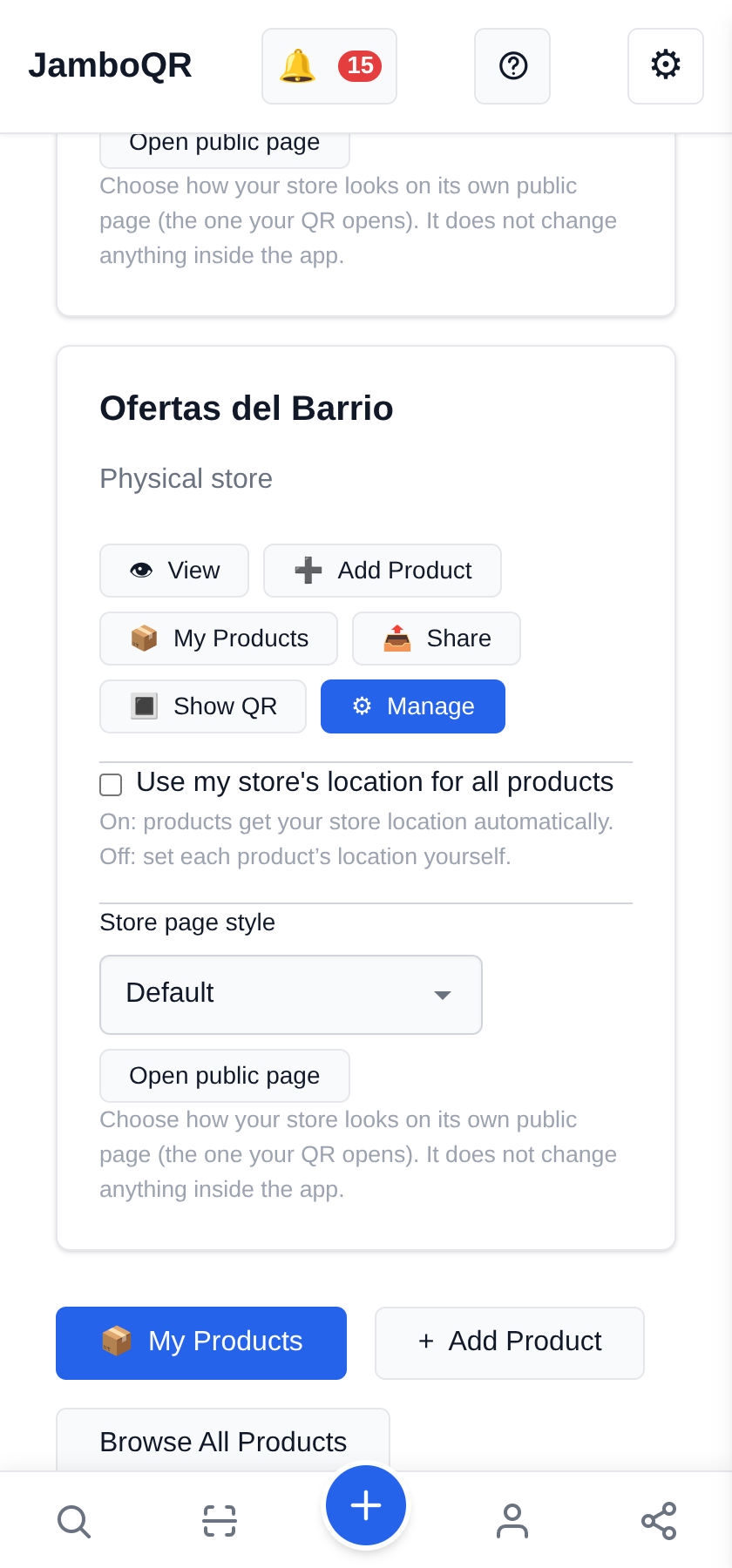
Still in My Stores, on the club's card, switch off "Use my store's location for all products". That is what lets every deal say which store it is in, instead of inheriting a single point.
Skip it and the posting form does not show the place field at all. It is the step people forget most.
3 The invitation: a QR for the neighbourhood
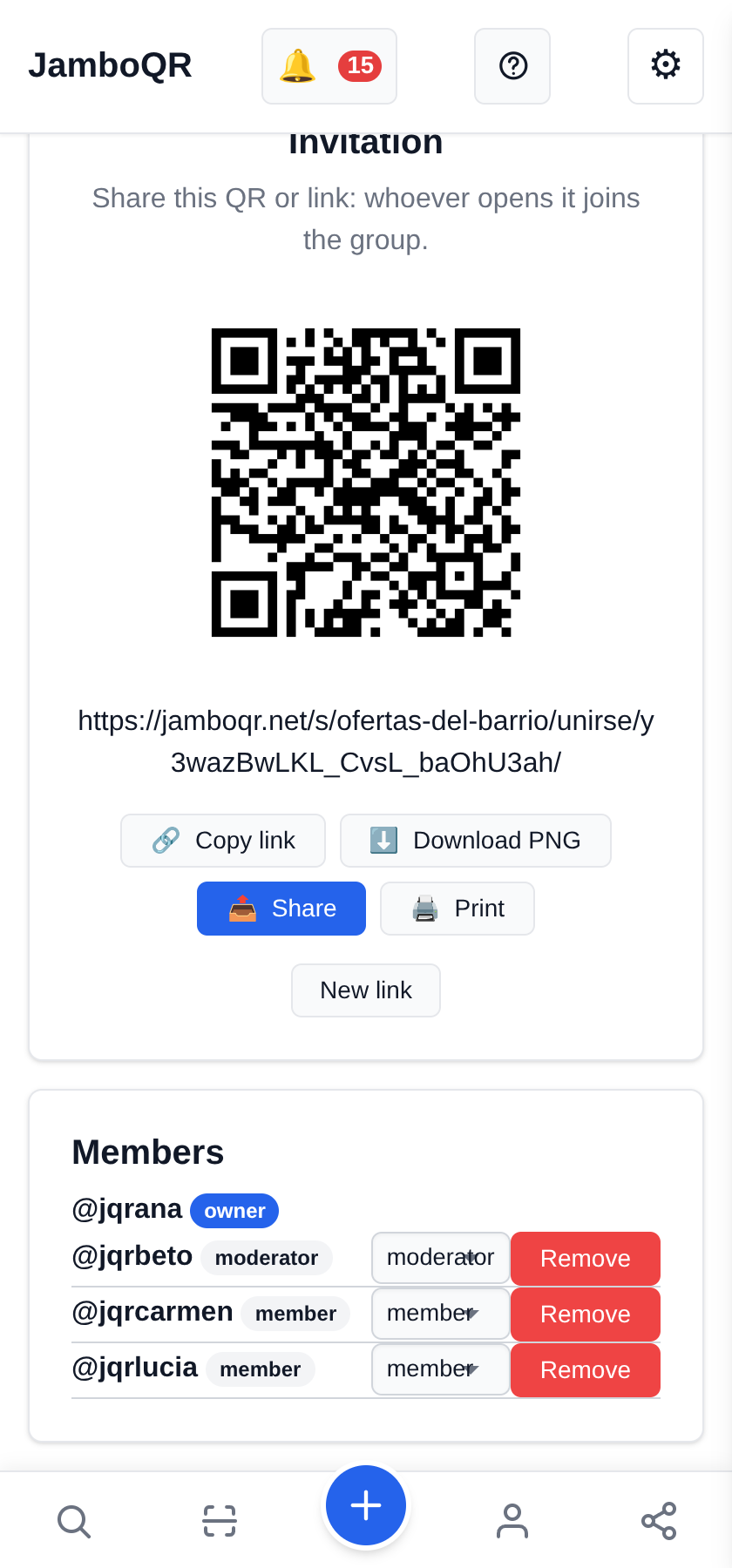
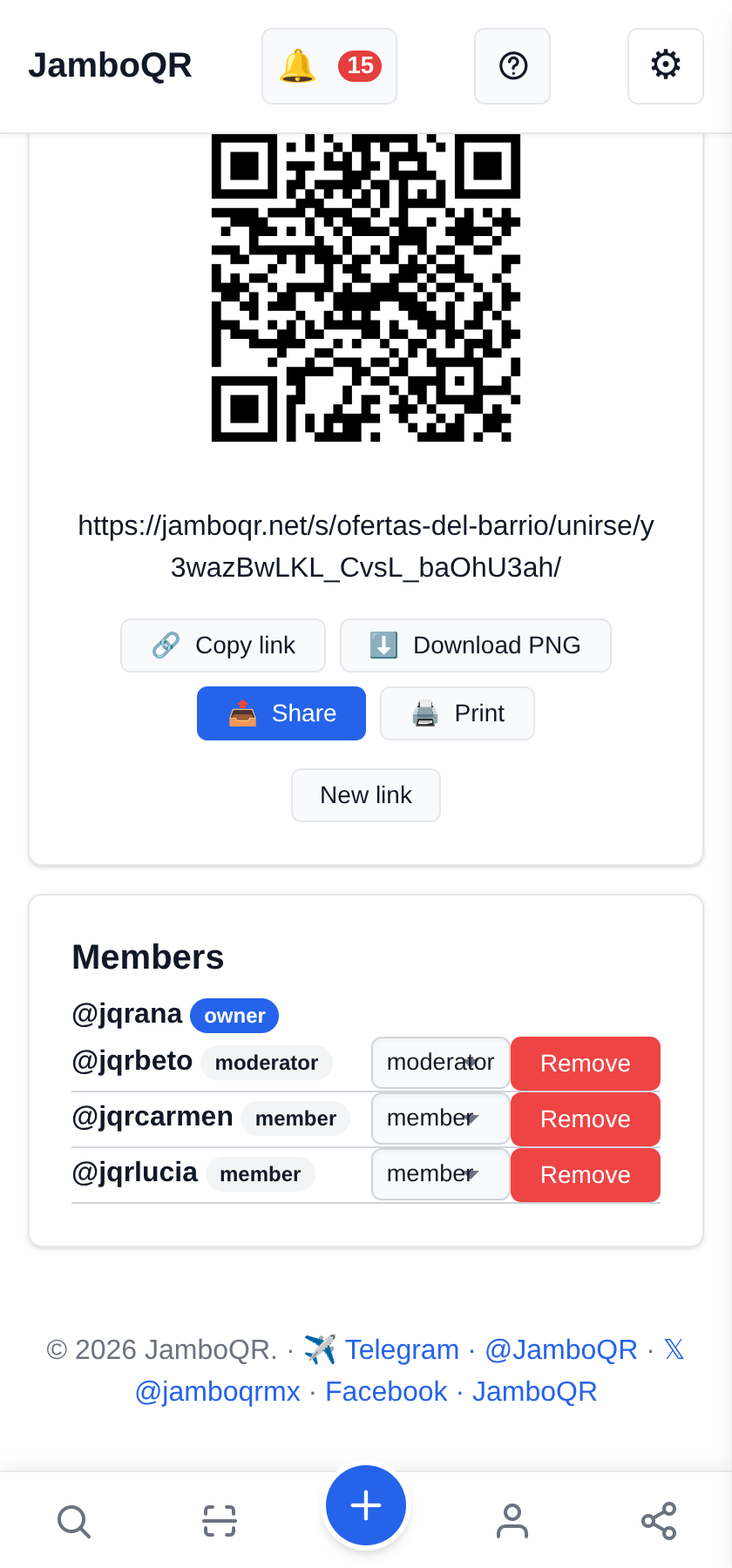
On the Group tab, the Invitation card has the club's QR and link, with Copy link, Download PNG and Print.
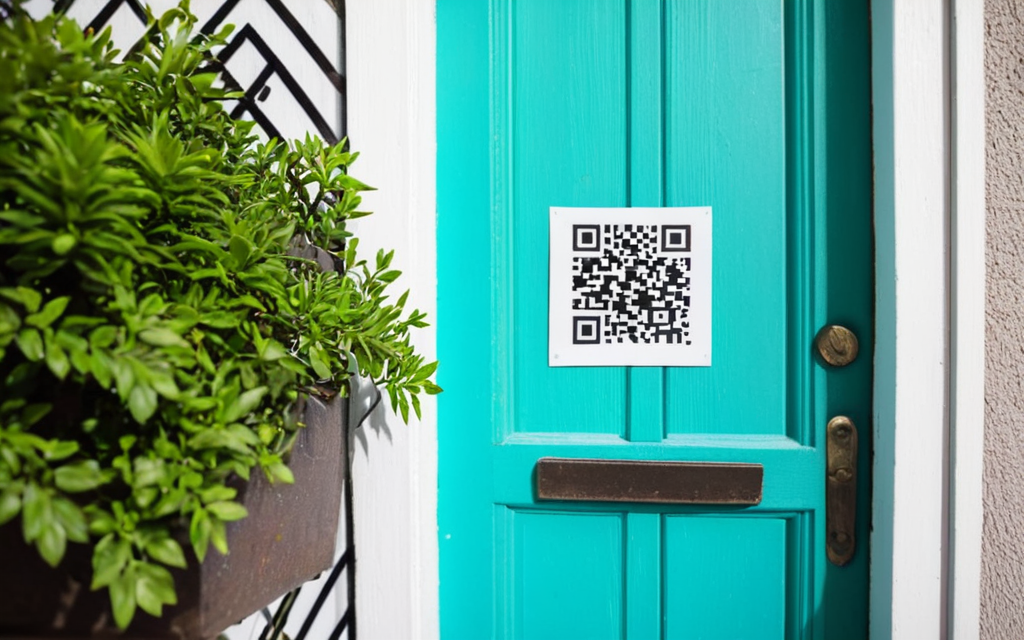
Send it to the building's chat, stick it up at the corner shop or at the market entrance. If one day it gets shared where you did not want it, New link cancels the old one.
4 What the neighbour who scans it sees
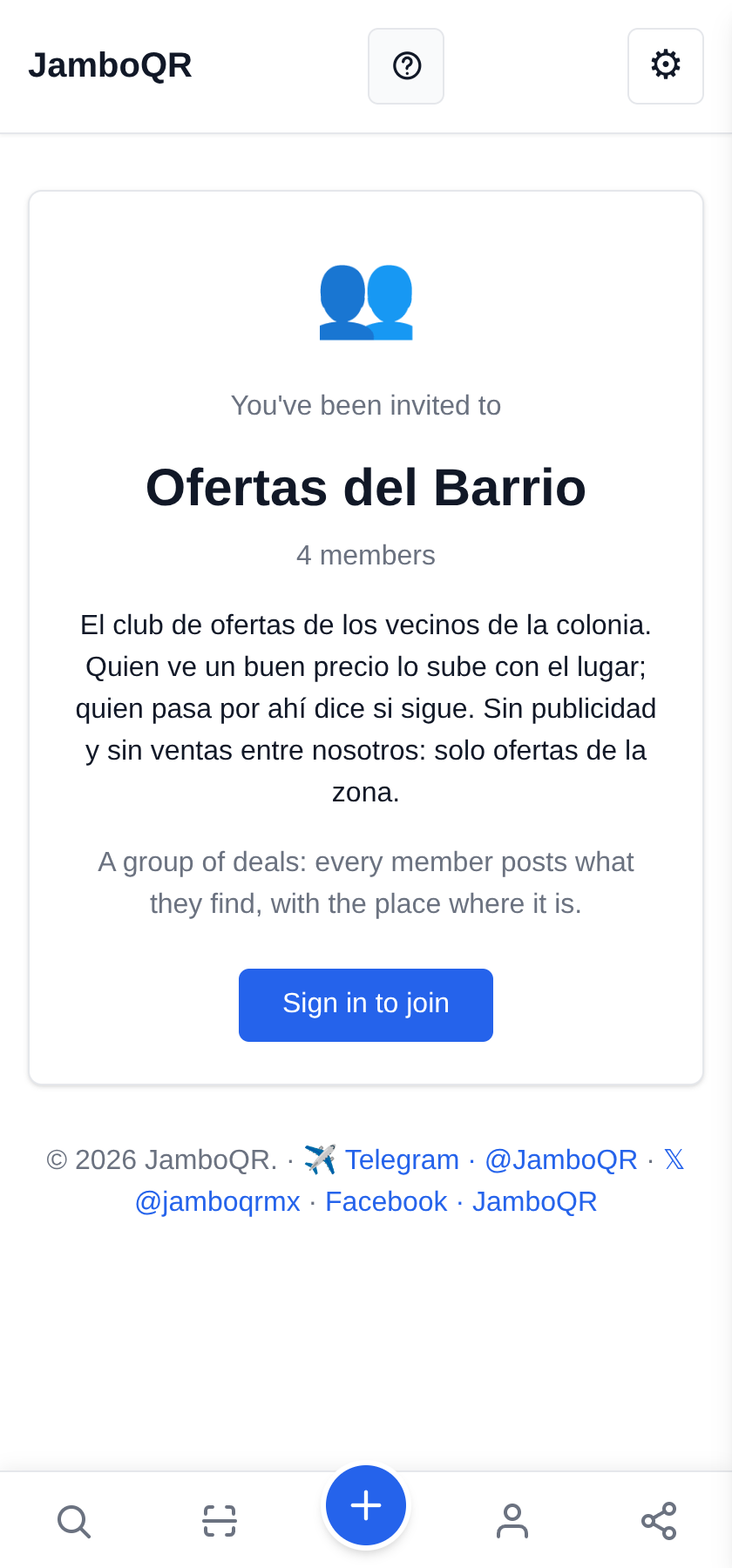
The club's name, how many members it has and what it is for. Without an account, Sign in to join takes them to sign-up and back here; one tap on Join the group and they are in.
Nobody needs approving by hand: whoever has the link gets in.
5 Members and moderators
Under Members is every neighbour with their role: owner, admin, moderator or member. Pick a couple of moderators you trust: they can remove deals that are not real.
Each member edits and withdraws their own. Remove takes someone out of the group without deleting what they posted.
6 Posting a deal with its place
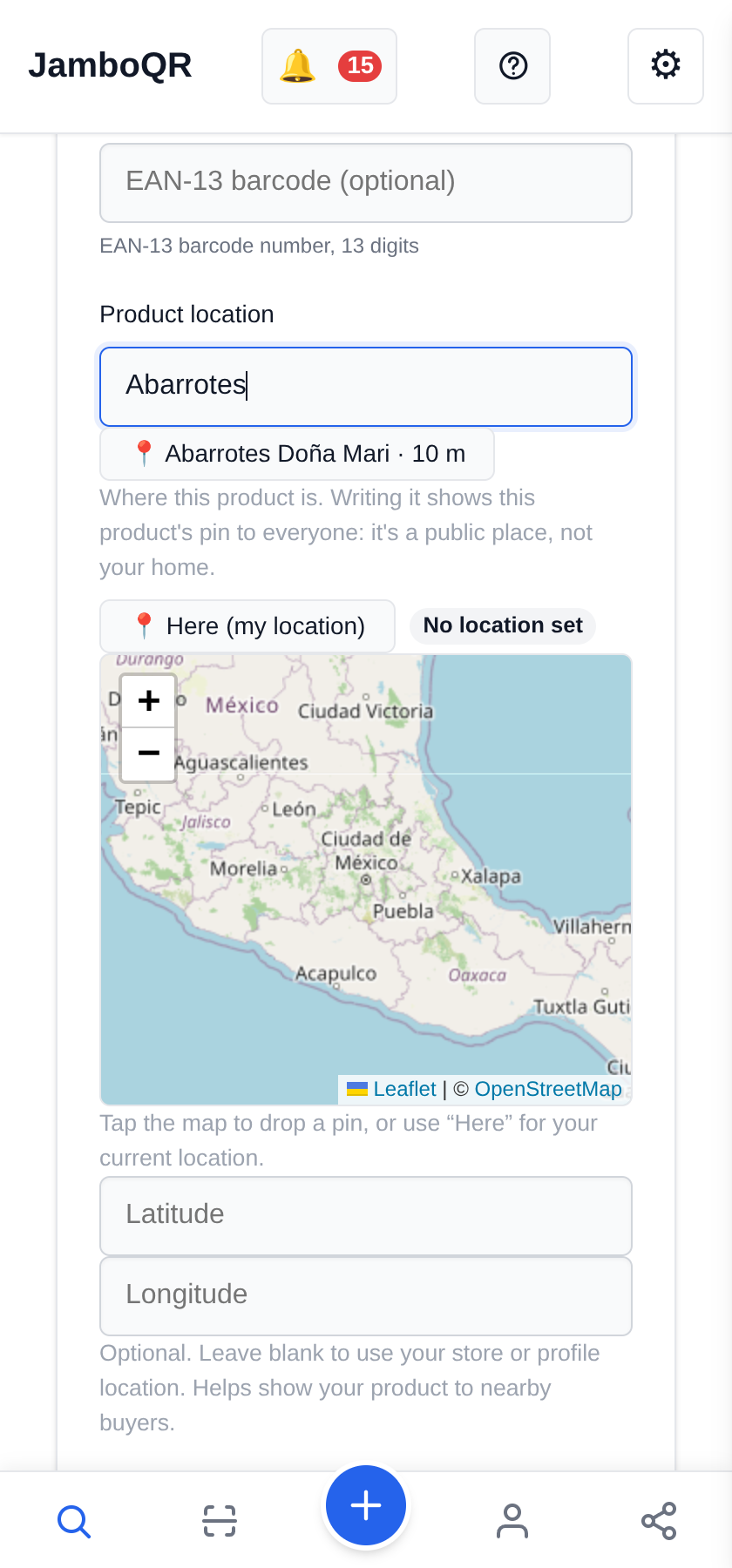
From Post a deal here: the product, the price and, under Product location, the name of the store. As you type, the places the club already used nearby appear with their distance: tapping one copies the name and the pin.
Everyone sees the place on the map, so it is always a store or a market, never a home.

7 Is the deal still on? Whoever is there says so
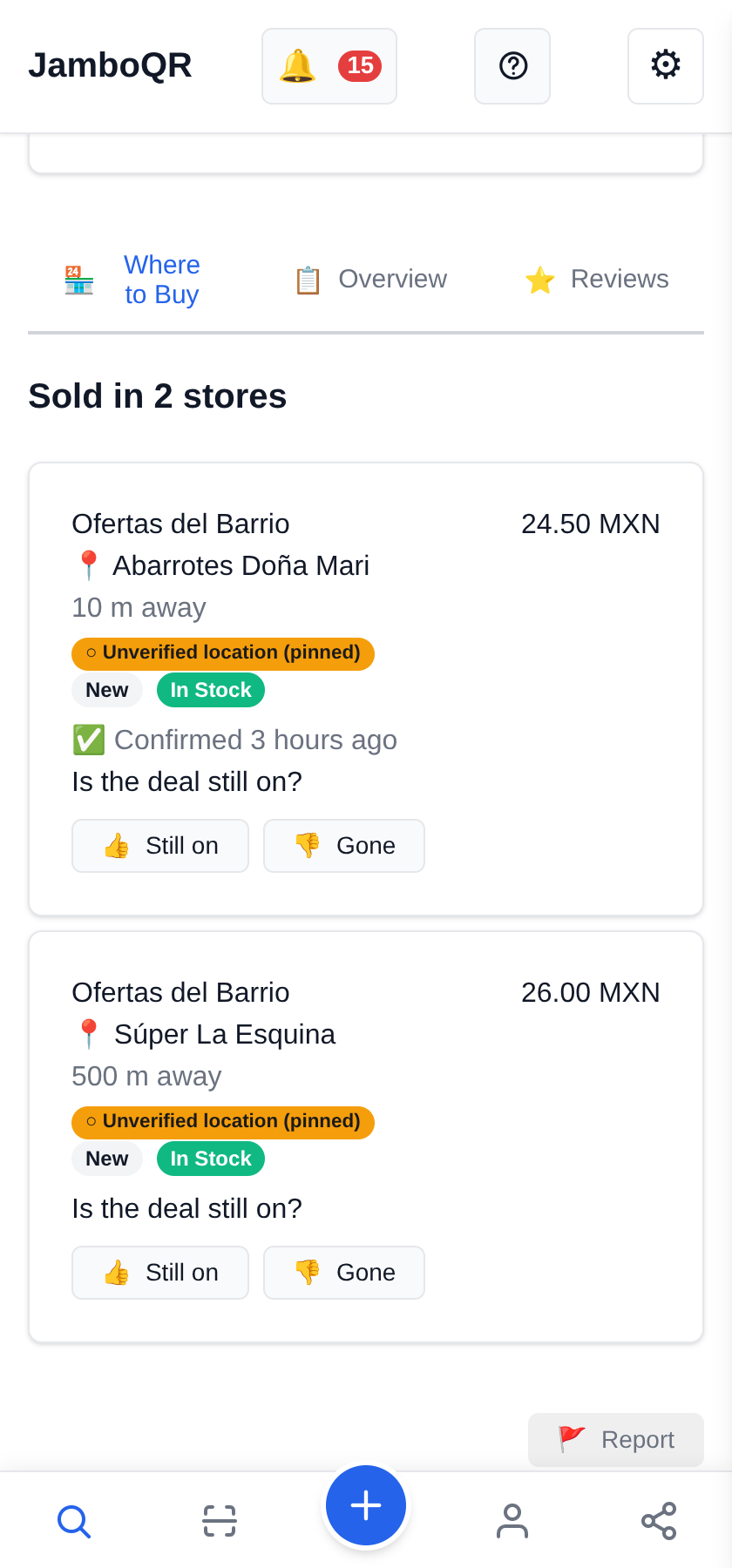
On the product page every deal has Is the deal still on? with Still on and Gone. You can only vote at the store (within 500 m): the phone checks.
So a deal reads "Confirmed 4 minutes ago" or "1 person says it's gone", and nobody makes a wasted trip.
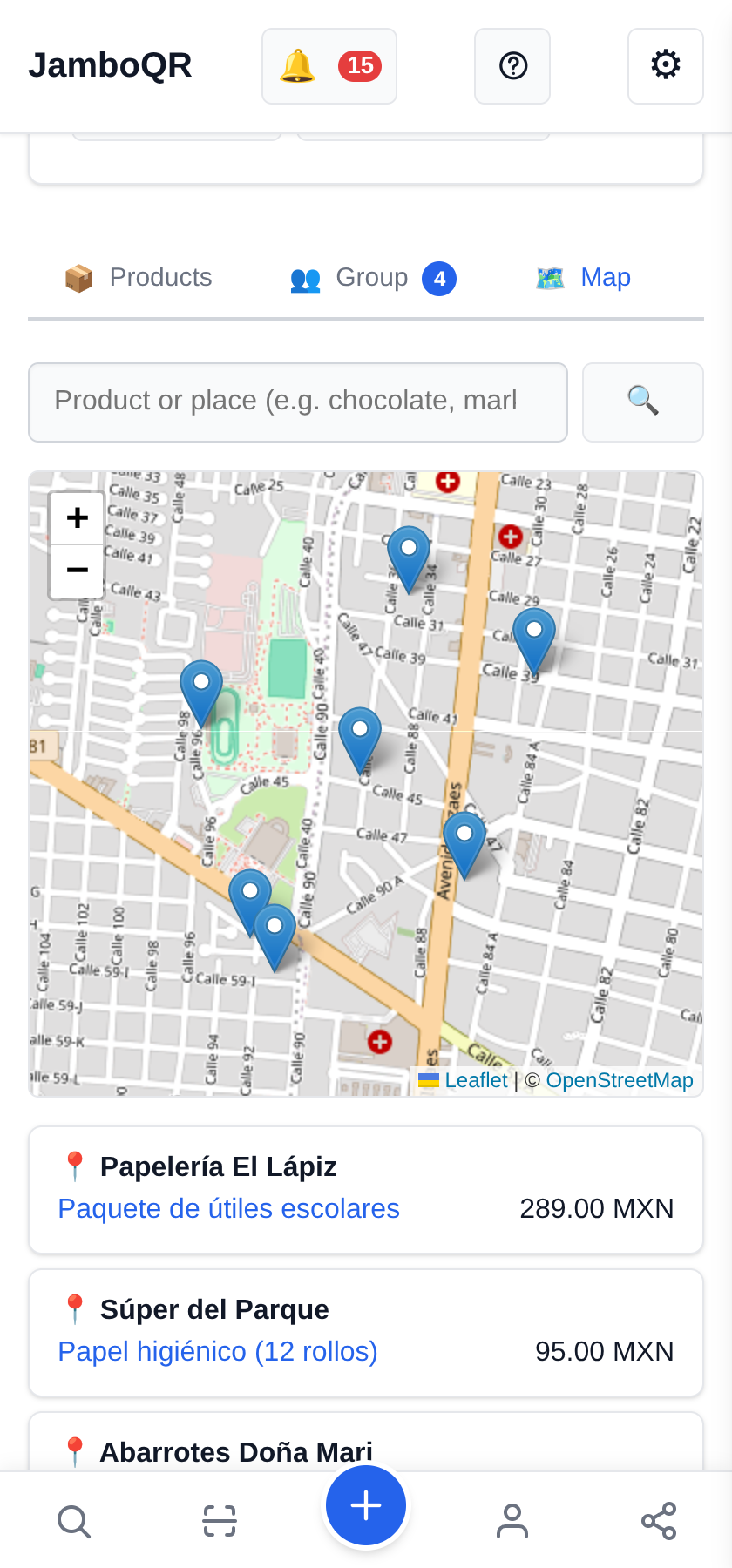
8 The whole club on a map
The club's Map tab puts every deal at its store, with the list by place underneath. It is the "what is on around here today?" view.
Tap the screenshot to open this guide's example club.
Ideas for your club
- Neighbours in a street or a building: the corner shop's offer, and whoever walks past votes whether it is still on.
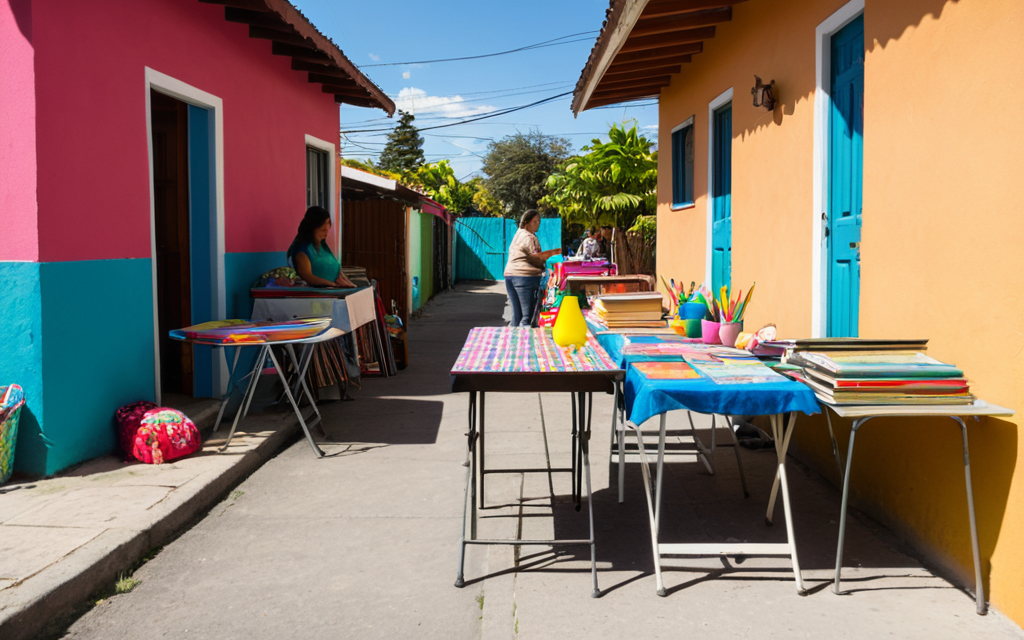
- A street market or a plaza: the organiser creates the club, each stall is a member, and the club's map is the market map.
- School parents: supplies, uniforms, the December presents.
- Bulk buying together, and seasonal clubs: Buen Fin, summer sales, back to school.
- A neighbourhood garage sale: the invitation QR taped up on the street.
- It is free. Deals go through the same automatic review as everything published on JamboQR.

✈️ Telegram · @JamboQR · 𝕏 @jamboqrmx · Facebook · JamboQR · Instagram · @jamboqr