A house does not sit on a shelf: each one is on a different street. With a shared store, every listing carries its own address.
Elena sells flats, houses and shops in Madrid. Her problem with the usual websites is that a store has ONE address, and she has eight, each in a different neighbourhood. In JamboQR she solved it with a Shared store: there, every listing has its own Product location, with the street and the pin on the map.
And because it is shared, Javier, who works in the same office, posts his homes in the same store. One link, one QR code, the whole portfolio.

1 A separate store, shared
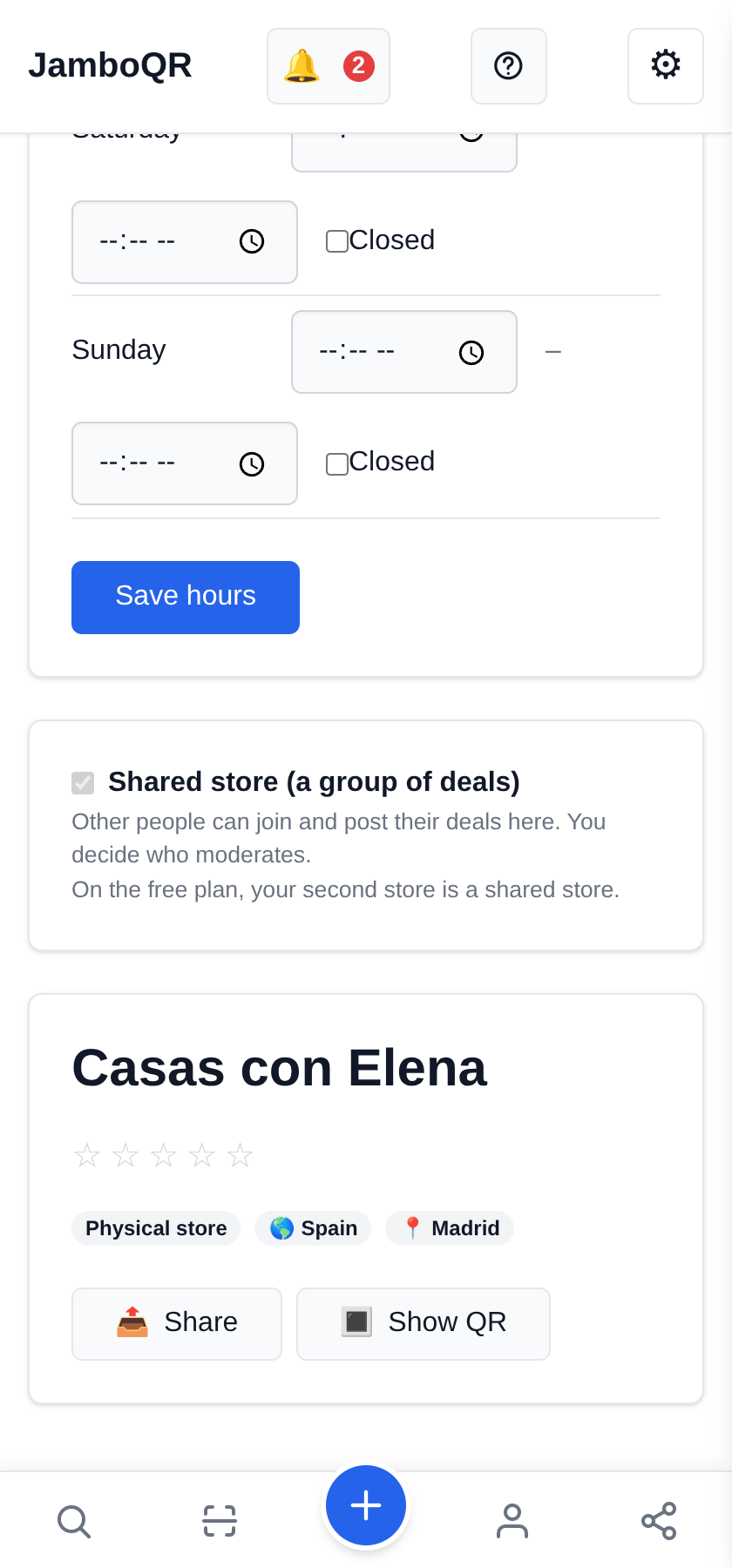
In My Stores, Create Store with your agency's name. Under Manage you will see Shared store (a group of deals) switched on: on the free plan your second store is always shared, and that is exactly the one you need.
Your personal store will not do here: there, every product uses the store's address.
2 Every home with its address
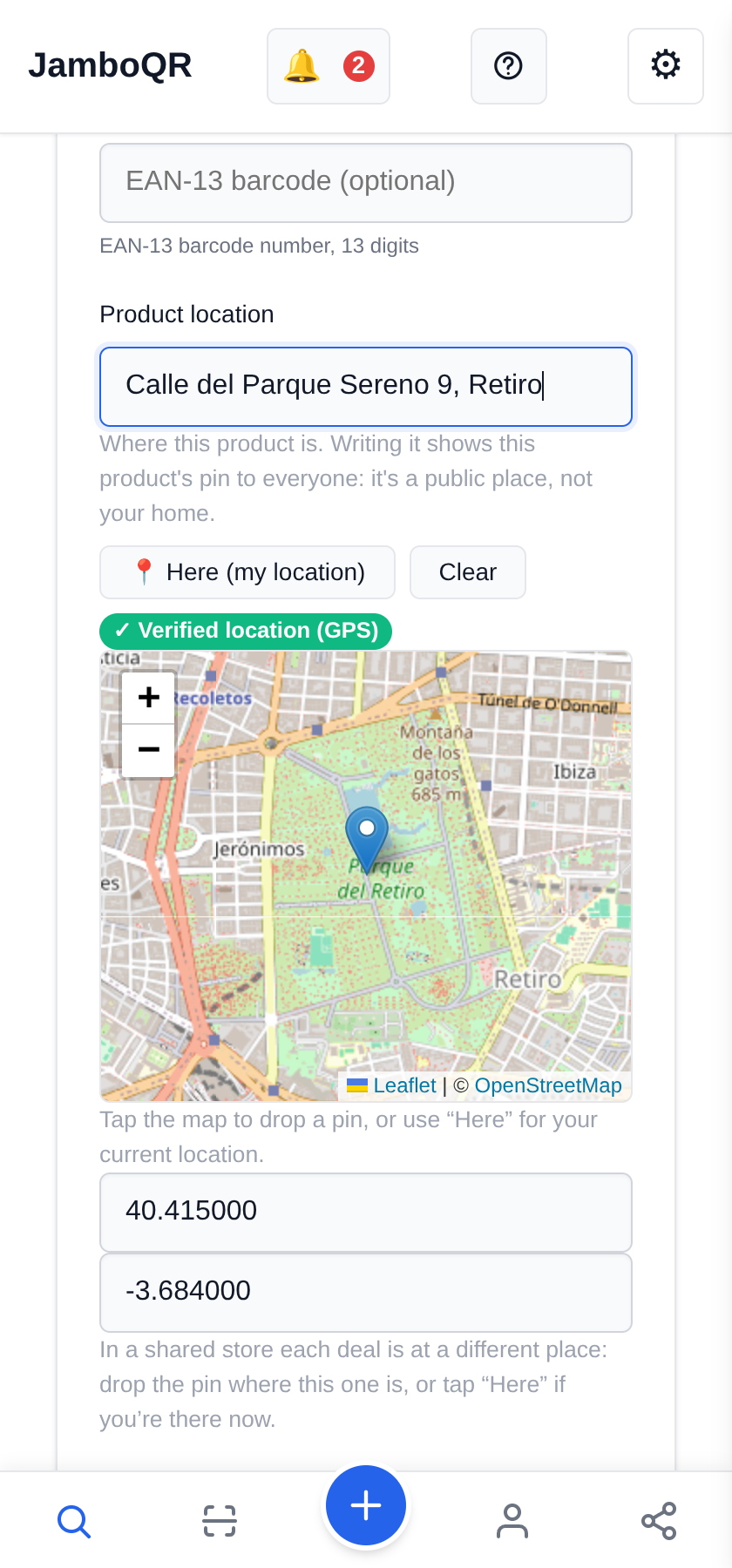
From Add product: the listing's name, the category Real Estate › Apartments (or Houses, Land & Lots, Commercial Property), the price in euros and, under Product location, the street and number.
Place the pin by tapping the map, or with Here (my location) if you are standing in front of the house: then it counts as a verified location.
3 Photos and description
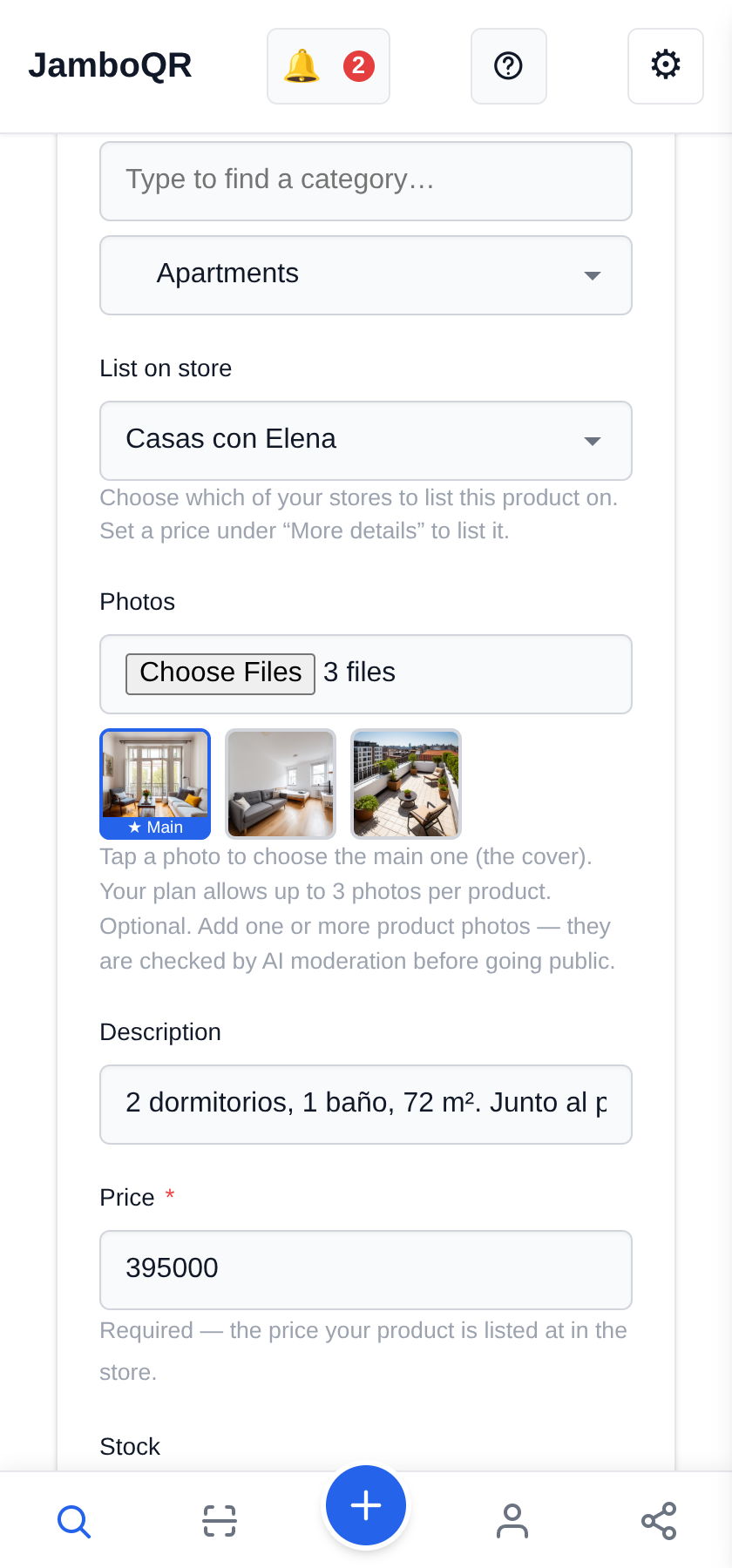
Under Photos, pick up to three per listing on the free plan; tap the one you want as the cover. In the Description: bedrooms, bathrooms, square metres, floor, lift.
Set Stock to 1: once it is sold, set it to 0 and the listing shows as sold out.
4 The whole portfolio, each on its street
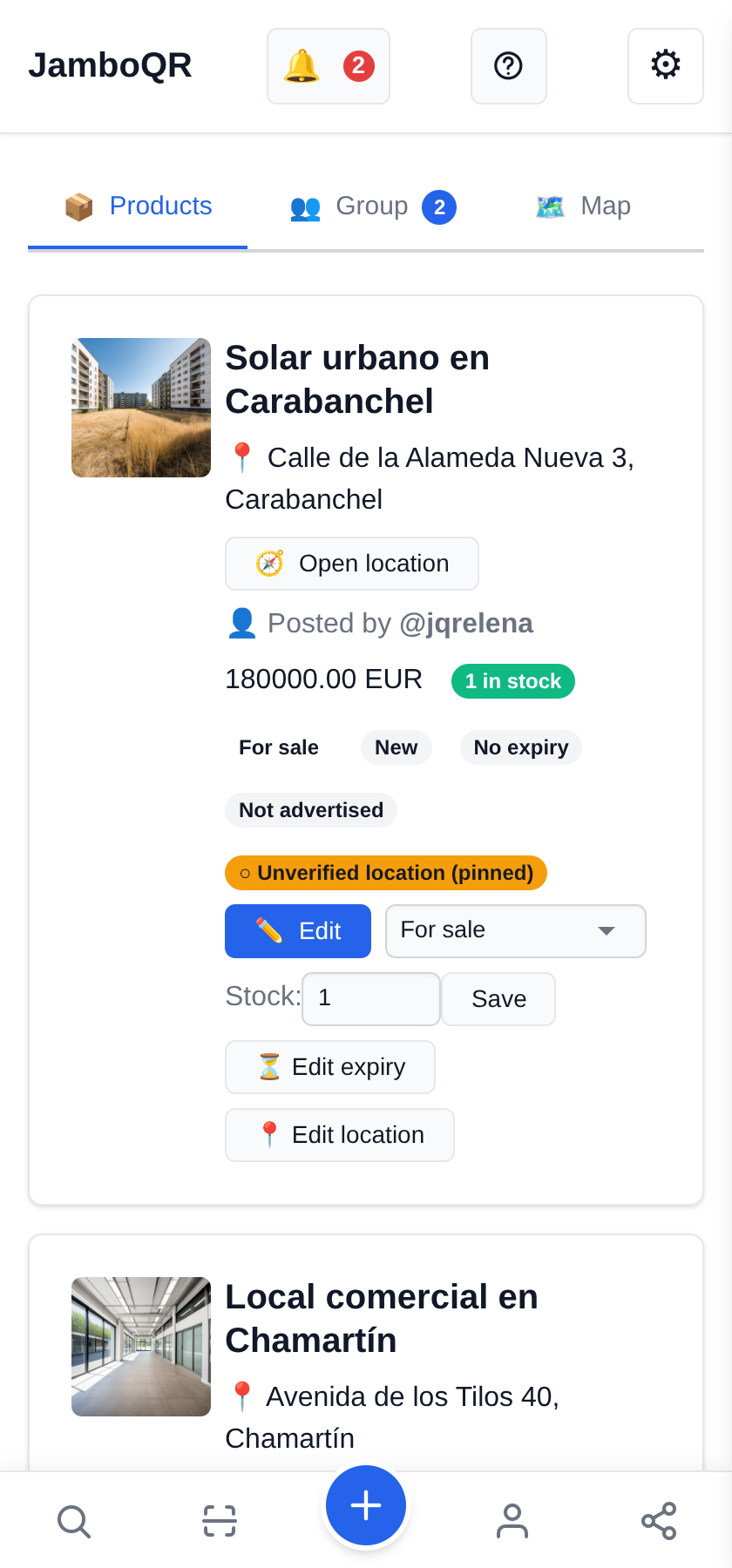
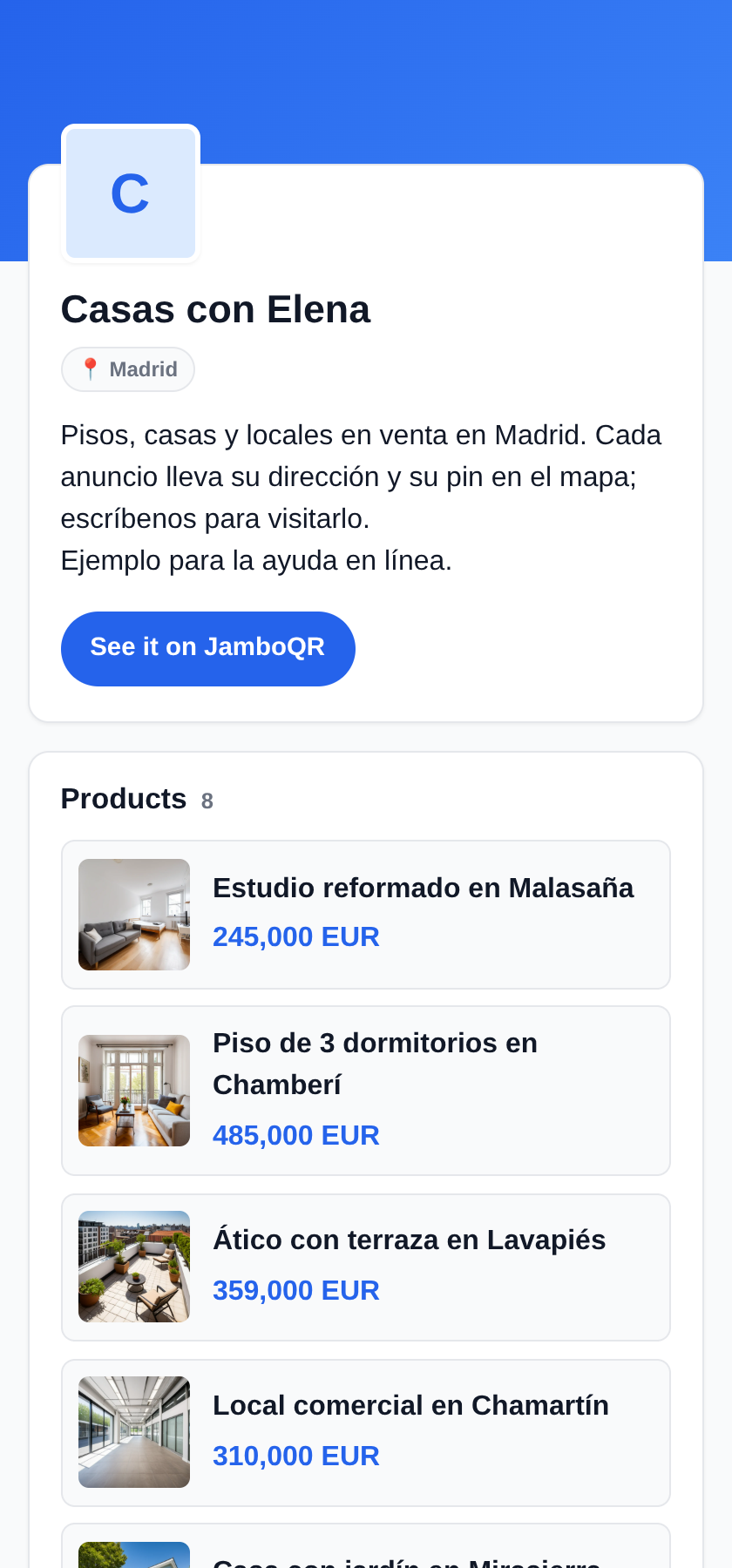
Under Products every listing shows its address, an Open location button and who posted it: here, Elena or Javier.
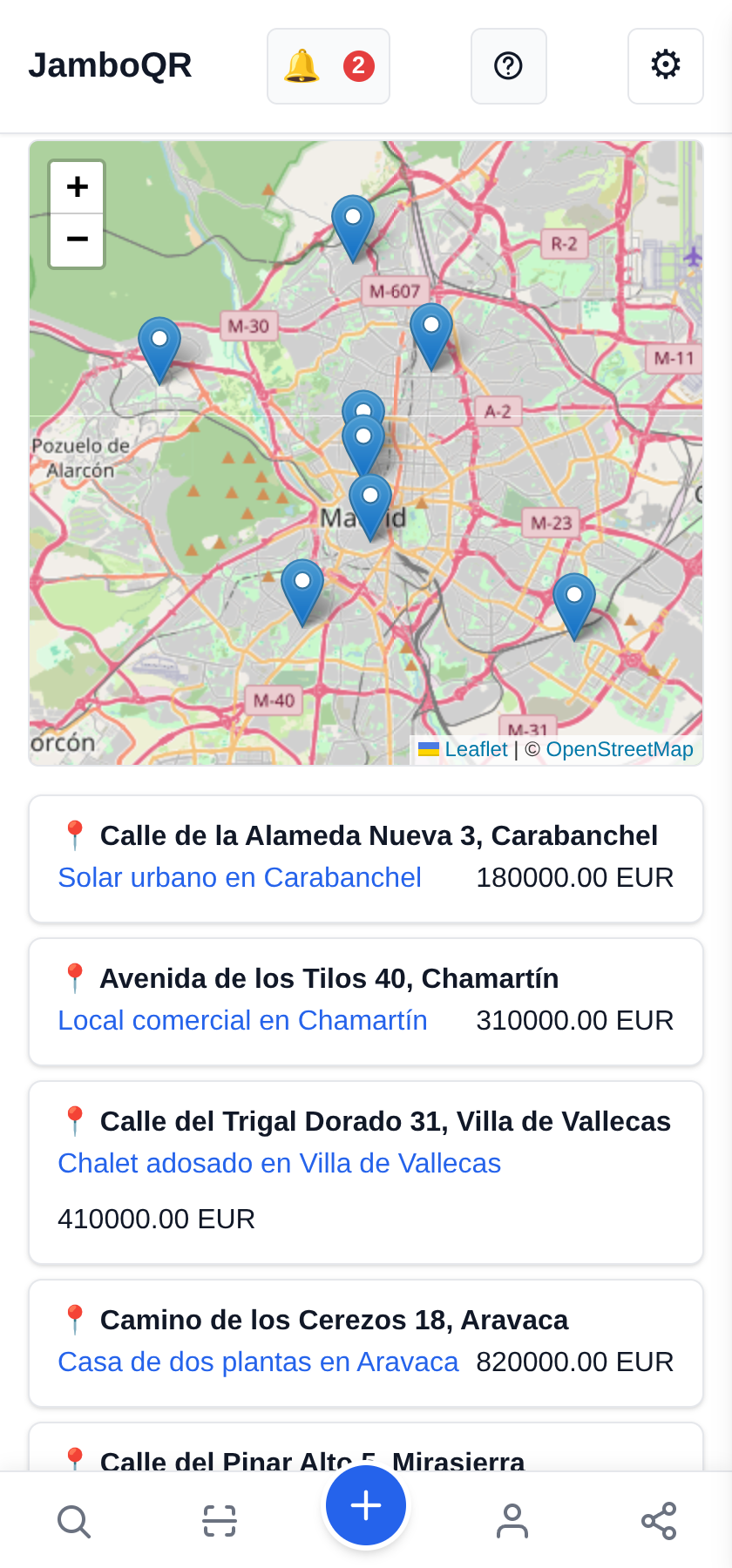
5 Every home on the map
The Map tab puts each home in its place, with the list by address underneath. Someone flat-hunting by area sees at a glance what you have in their neighbourhood.
6 One page per home, ready to send
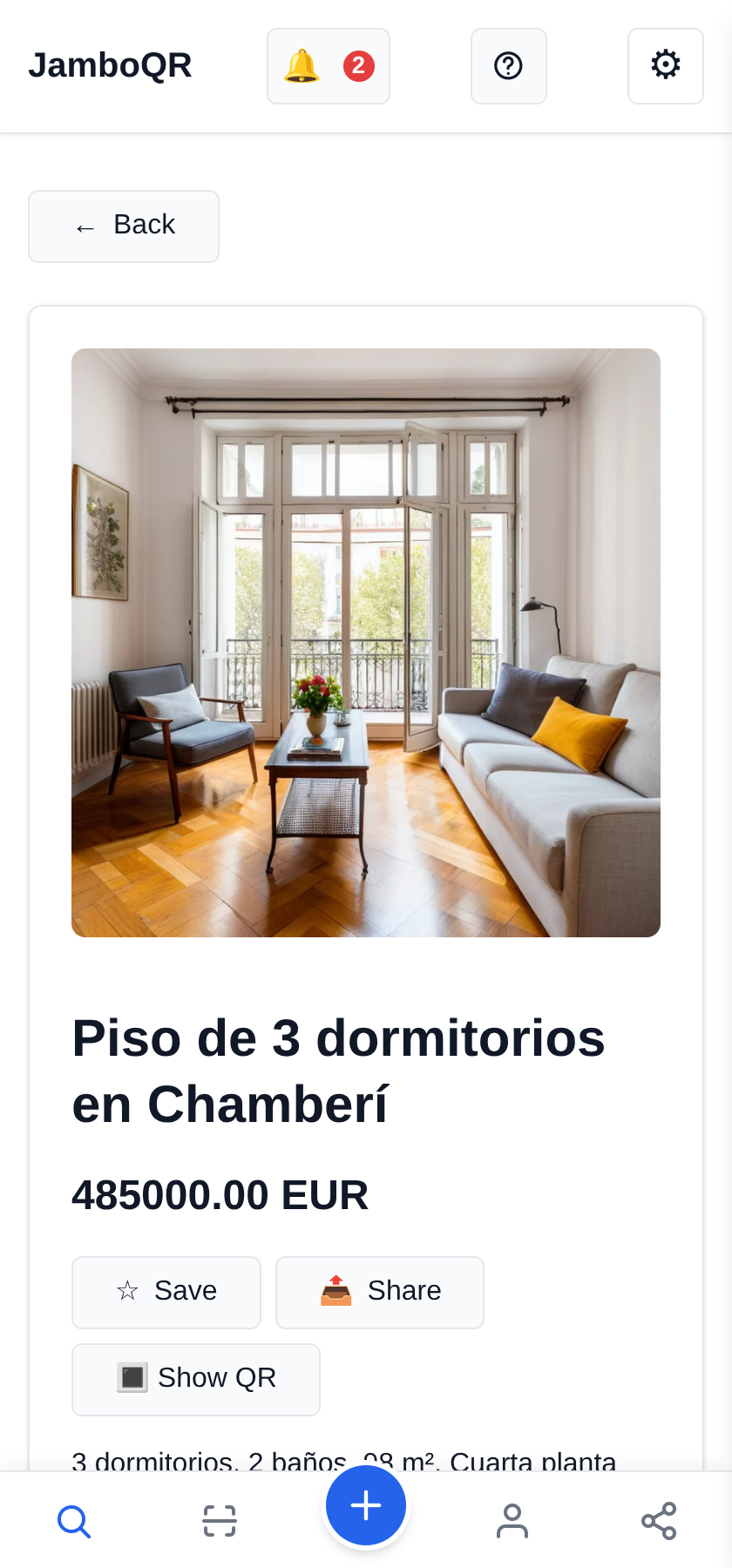
Every listing has its own page, with Share to send it on WhatsApp and Show QR to print it. That QR code, on the "For sale" sign on the balcony, takes anyone walking past straight to the photos and price of THAT home.
7 Your colleague posts in the same store
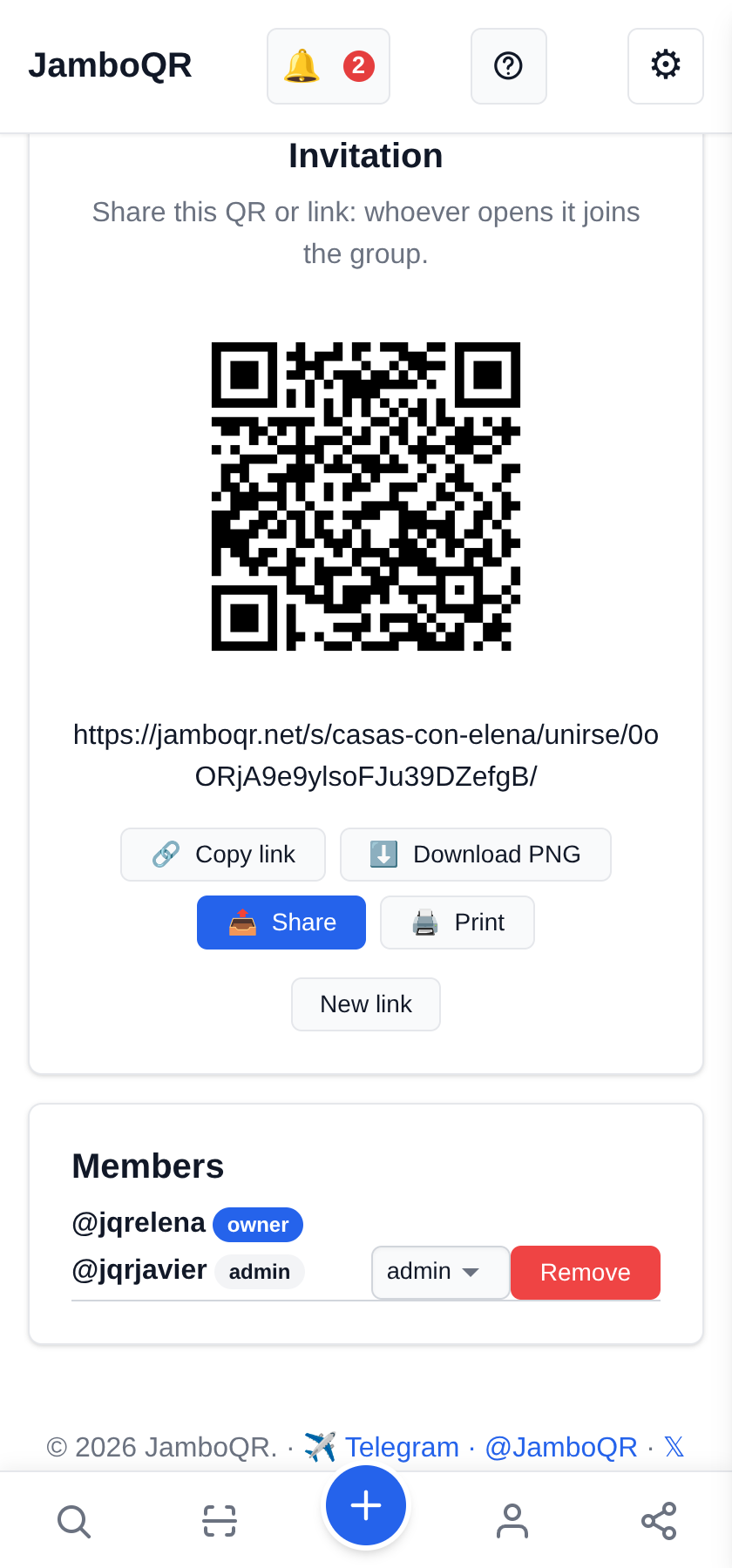
In the Group tab, the invitation has a link and a QR code. Javier joined with it and Elena gave him the admin role: he can post and edit any listing. A member only edits their own.
If someone leaves the agency, Remove takes them out without deleting what they posted.
8 What the buyer sees
One page with the whole portfolio, photos and prices, that opens without installing anything. The listings in this example store say «Ejemplo para la ayuda en línea» ("example for the online help"): they are not for sale.
Tap the screenshot to open it.
Why it suits an agency
- Every listing with its own address and pin: an ordinary store cannot do that, a shared store can.
- A QR code per home for the sign, and one for the whole agency on your business card or shop window.
- Several agents in one store, and every listing says who posted it.
- The free plan holds 50 listings with 3 photos each, and every listing lasts up to 30 days; renew it with Edit expiry.
- Addresses are public because that is what you sell. If a listing is your own home, think twice before adding the house number.
✈️ Telegram · @JamboQR · 𝕏 @jamboqrmx · Facebook · JamboQR · Instagram · @jamboqr